Overview
CA Plast Label is a custom Windows application I developed in 2022 for a bathroom sanitaryware manufacturer in Čadca, Slovakia. It provides product label design and printing on an industrial Zebra printer, along with 2D scanner support.
The company produces bathtubs, shower trays and other bathroom sanitaryware. The application helps identify individual products and connects their labels with production and stock records.
The brief
The company wanted to modernise production, automate product labelling and gain a clearer overview of manufactured products. Introducing product labels with QR codes was part of this effort.
After purchasing an industrial Zebra printer, the company needed software to design and print labels and communicate with a 2D scanner. The solution had to fit its specific production workflow.
The solution
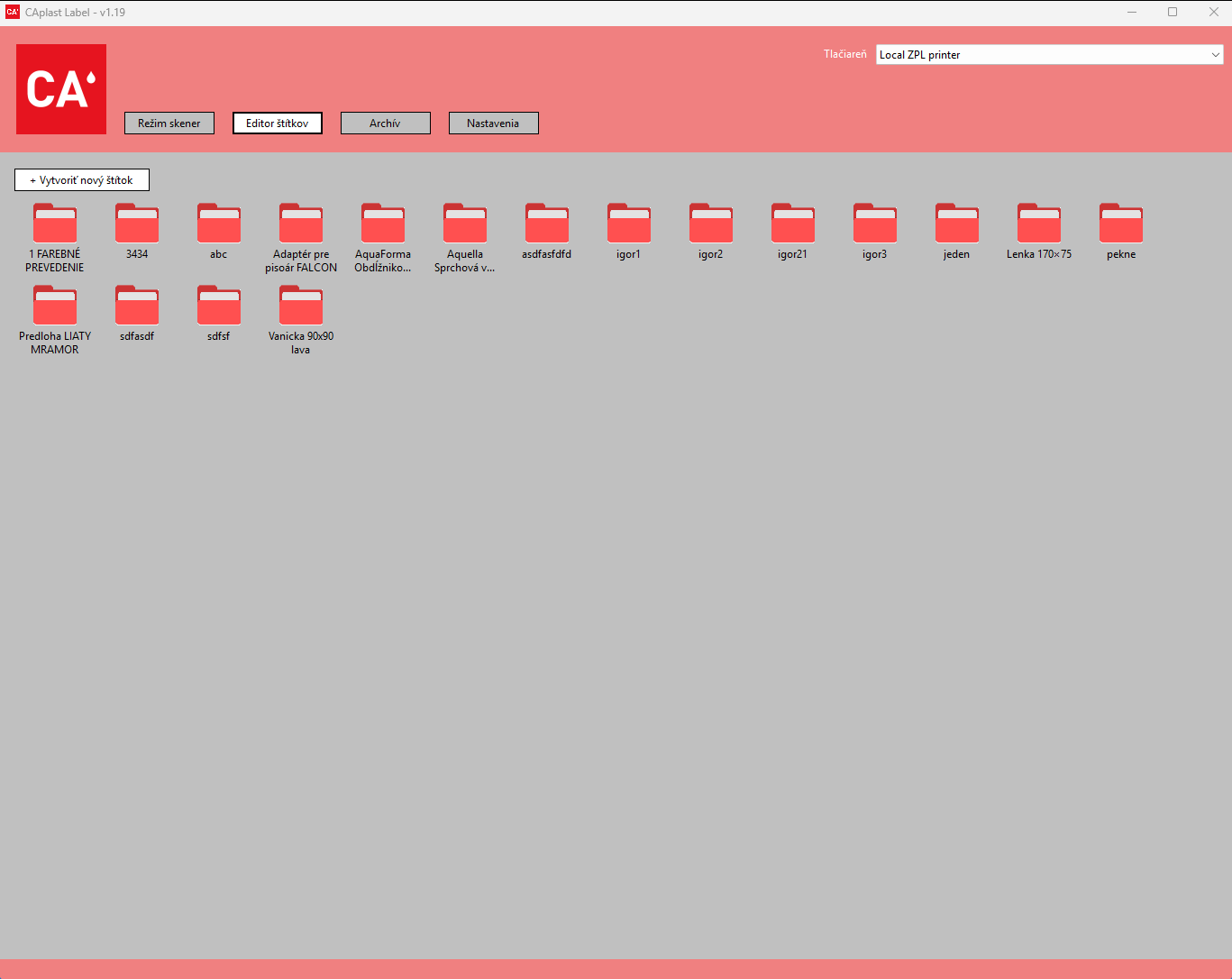
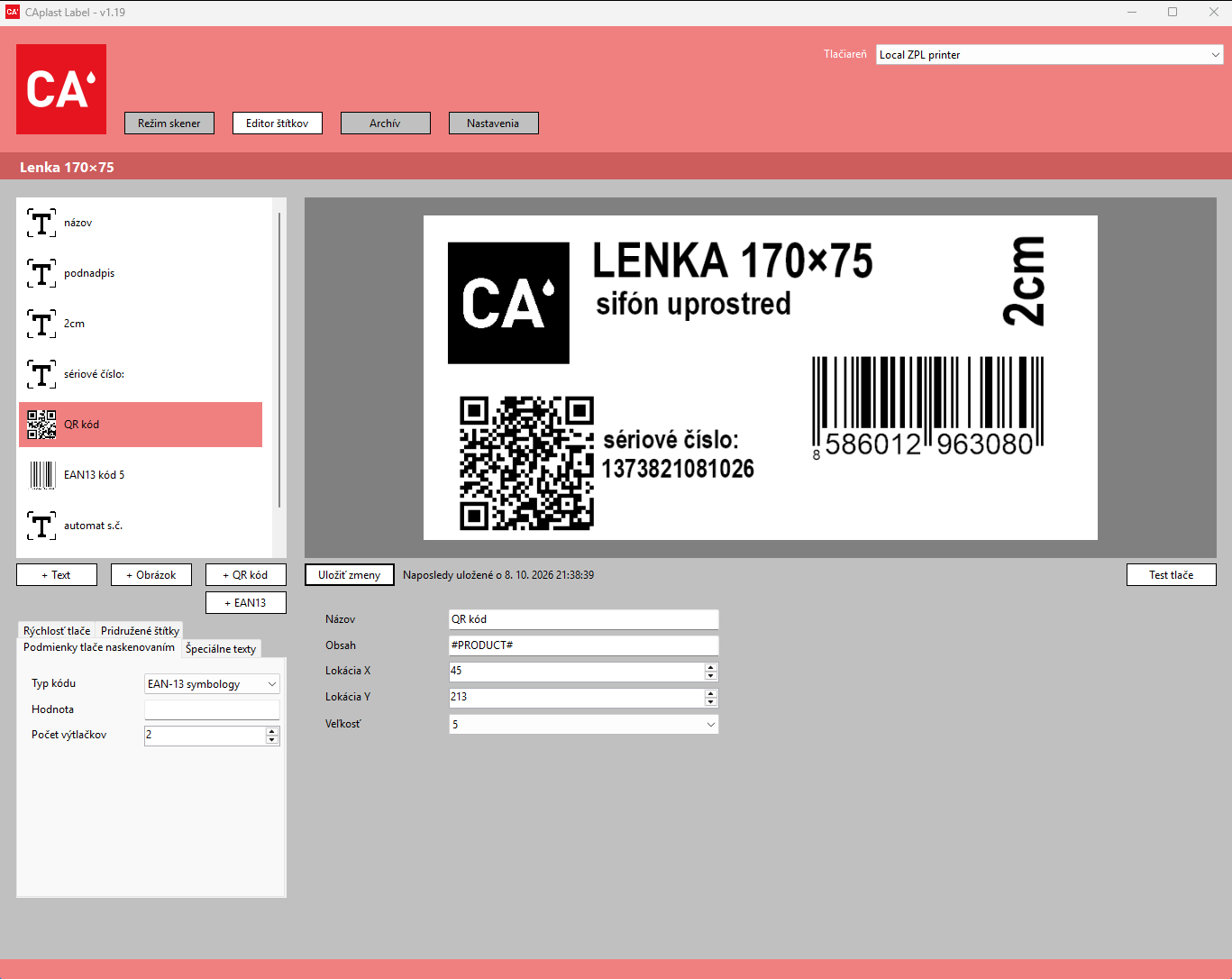
The editor lets users build a label from text, images, a QR code and an EAN-13 barcode. Users can position individual elements and configure printing conditions and copy counts. A preview shows the finished label before printing.
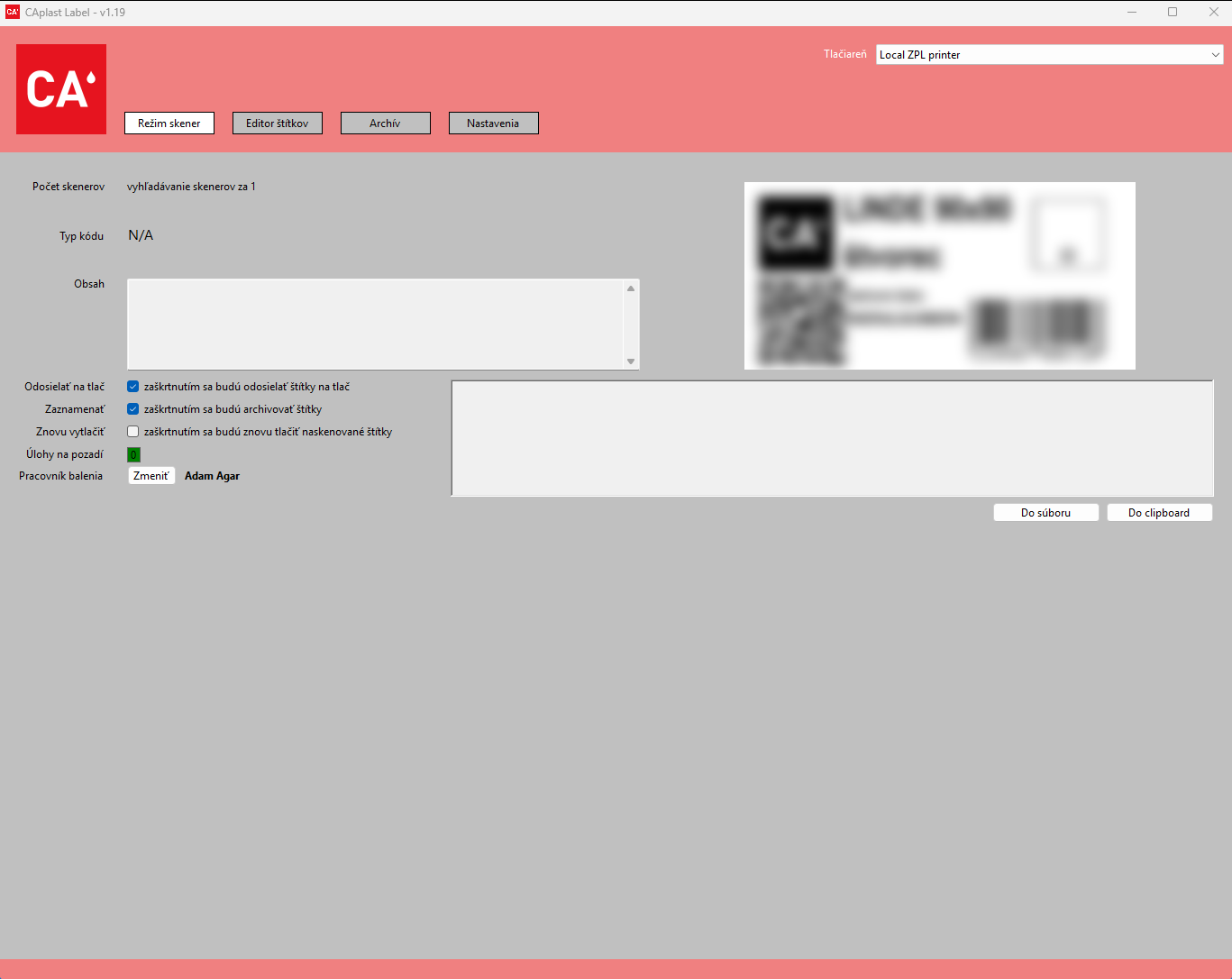
In scanner mode, scanning a code triggers the corresponding label print. The application inserts a serial number and product information into the QR code, supports associated labels and allows existing labels to be reprinted.
My role
I developed the application in C#, including the interface, label editor, printing, scanner communication and the subsequent stock API integration.
The first production version was released in December 2022. I have continued maintaining the application, extending or updating it roughly once a year as the customer’s needs evolve.
Technical implementation
The application uses C# and Windows Forms. It evolved from .NET 6 to .NET 8. Labels are generated in ZPL for the Zebra printer, with previews rendered using BinaryKits.Zpl.Viewer.
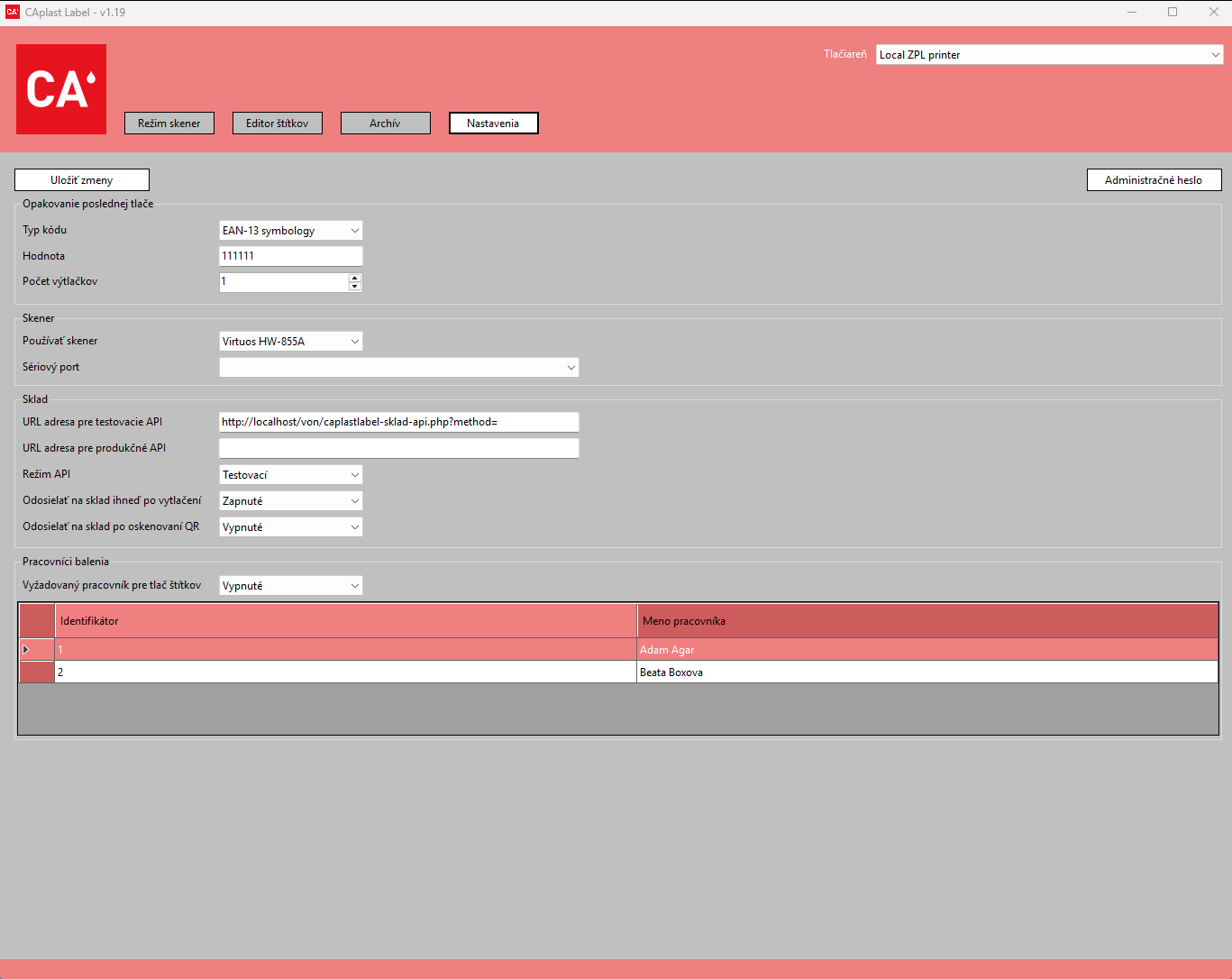
- Support for Zebra and Virtuos scanners, including serial port communication.
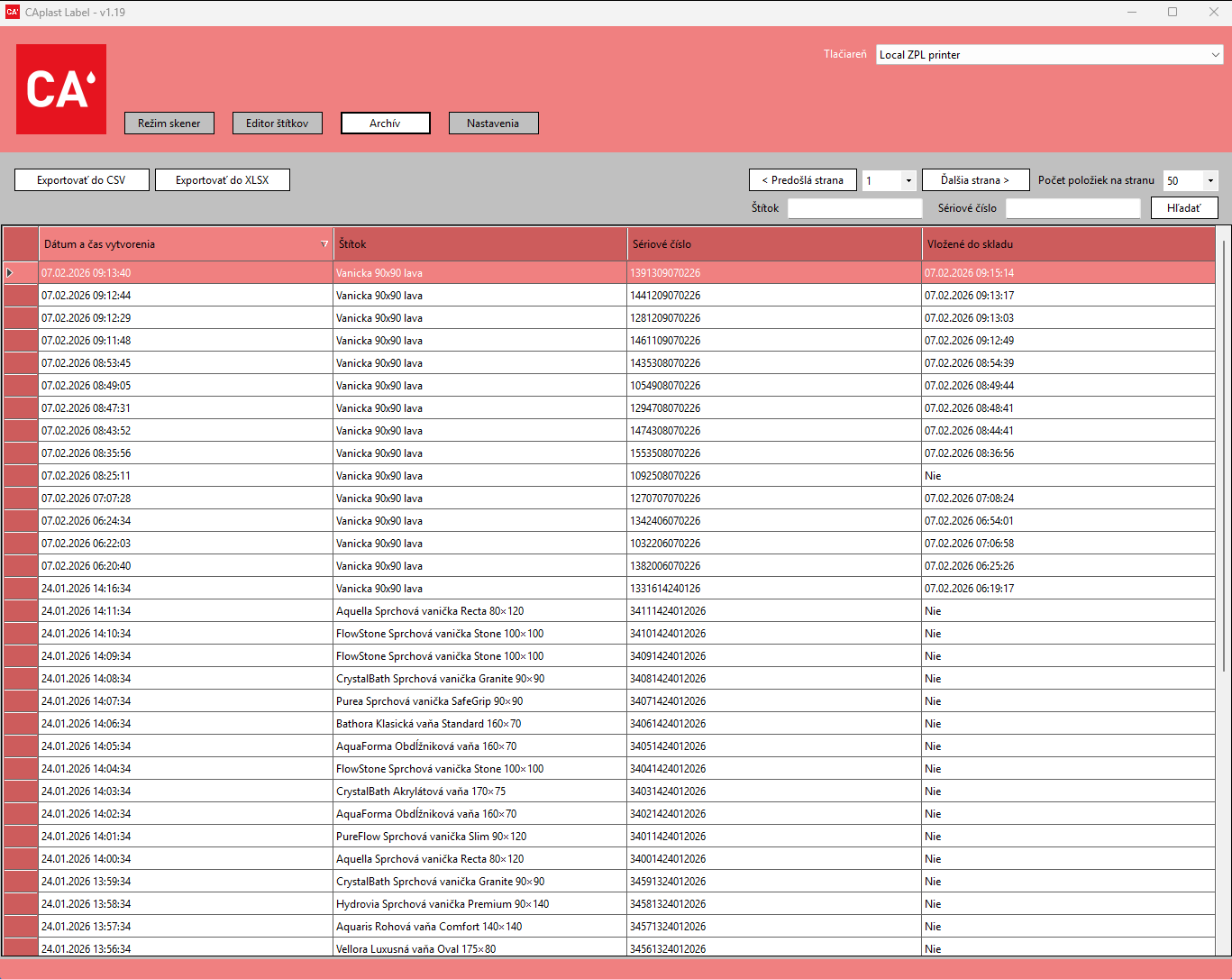
- An archive of printed labels with serial numbers, search and CSV/XLSX export.
- Migration of the archive from JSON to SQLite, including existing records.
- Stock API integration with stock operations processed in background tasks.
- Employee records and an employee identifier embedded in the product QR code.
Challenges
The solution connects visual label design, printer commands, scanner events and individual product data. Reprinting must preserve the serial number, while label creation and stock registration need to remain distinct steps.
As the archive grew, database storage, pagination and search were added. Stock operations moved to background tasks so the operator could continue working.
The result
The company gained a tool for designing and printing QR labels that automates product labelling and improves visibility of manufactured products.
The workflow later expanded to include an archive and stock API integration: when a product is manufactured and its label printed, it is automatically registered in stock. The QR code also gained the identifier of the employee who made the product, extending product traceability.